

Paint in 3D and 2D
Paint on the model or on its UV layout. Both views update together.
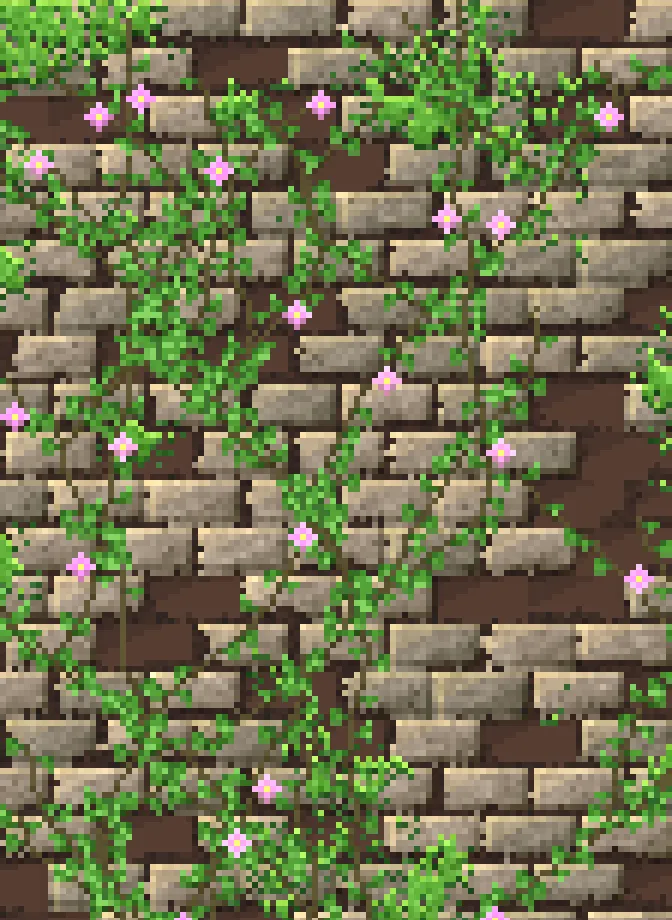
Paint pixel-art textures straight onto your 3D models.
Every texture is full PBR: colour, metal, roughness, normal and height. Start from a material you can keep tweaking, then paint the details by hand.
Paint on the model or on its UV layout. Both views update together.
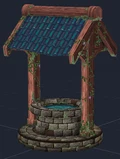
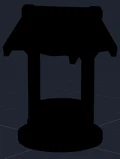
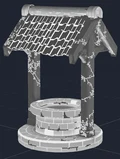
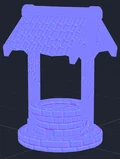
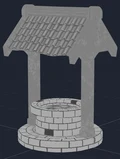
Colour, metallic, roughness, normal and height, painted together and exported as ready-to-use maps.


A material is a recipe, not a picture. Its sliders stay editable after you drop it on.
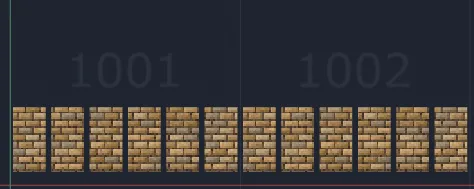
One texture set per material on the mesh, with UDIM tiles handled for you.
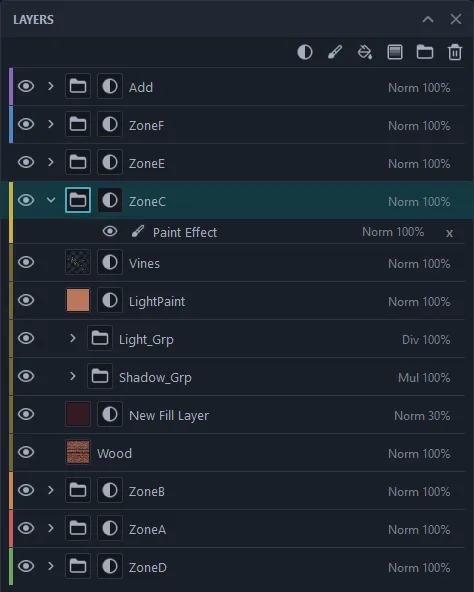
Non-destructive layers with blend modes, opacity, masks and colour tags.
Add your own tools and menus. See the API reference.
Each material on the mesh becomes its own texture set.
Drag a procedural material from the asset shelf onto the model.
Paint on the model or its UV layout, on non-destructive layers.
Base colour, roughness, metallic, height and normal, ready to use.
Free add-ons from us. Install them from Steam only if you need them.
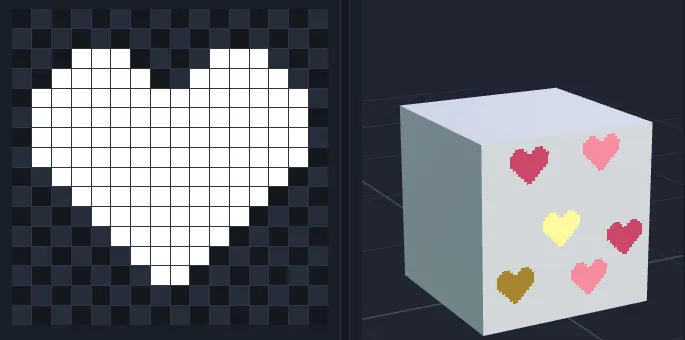
Draw your own brush tips pixel by pixel, try them on a test box, and save them to the Asset Shelf.


Make your own materials and add them to the Asset Shelf, next to the built-in ones.
Get it on Steam, and read the guide to see how it works.